

C4 deployment diagram
Map a system's containers onto the infrastructure they run on.
Diagram · origin tag c4/deployment · The C4 Model
Availability
| Host | State | How to get it |
|---|---|---|
| Standalone | Prototype | Not yet released |
| Desktop | Prototype | Not yet released |
| IntelliJ Platform | Not planned | Not planned |
| Visual Studio Code | Not planned | Not planned |
| Eclipse | Not planned | Not planned |
| ThinkRail | Not planned | Not planned |
| Notion | Not planned | Not planned |
| Claude | Not planned | Not planned |
What it is for
Deployment (supplementary)
Why a specialized view helps
C4 views are zoom levels of one model; a dedicated tool keeps each level consistent with the next instead of redrawing boxes by hand.
File formats
Not described yet.
Screenshots
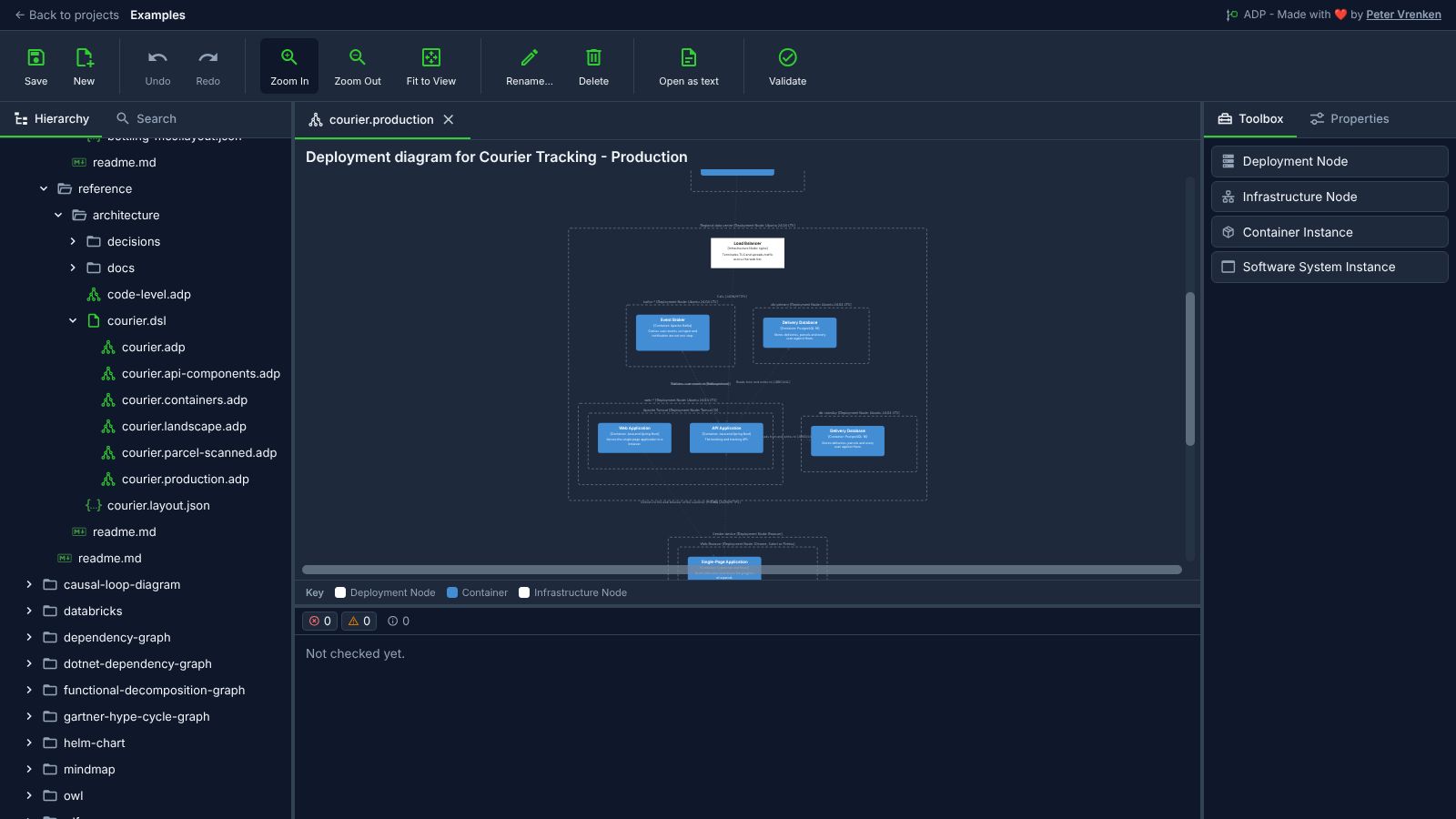
Standalone, at 5ac81b3
What is visible: Courier Tracking's production deployment: dashed deployment nodes nested around the load balancer and the container instances they host, fitted and then **zoomed in once** so the nesting reads, so the top and bottom of the drawing are cut off; Toolbox showing Deployment Node, Infrastructure Node, Container Instance and Software System Instance. The industrial plant's deployment is denser and fits to a picture too small to read, hence the other corpus. Nothing selected.
Why it matters: The production deployment nests each deployment node around what it hosts, from the load balancer down to the container instances, so the infrastructure is read straight from the Structurizr workspace the other C4 views come from.
Licence: Apache-2.0
Background
Focus areas
Sources
etalii-adp/etalii.adp.ide.standalone@9b232f0docs/tools.md, licence Apache-2.0etalii-adp/etalii.adp.ide.intellij@dc9c697docs/tools.md, licence Apache-2.0etalii-adp/etalii.adp.ide.vscode@ab93d8fdocs/tools.md, licence Apache-2.0etalii-adp/etalii.adp.ide.standalone@5ac81b3docs/screenshots/c4-deployment.png, licence Apache-2.0- Notion, edited (page
3e7be2fd-05b6-8193-b413-f5a2d65da68b), licence Apache-2.0
